A lost phone isn’t just a lost phone — it’s a live SIM on your CNIC in someone else’s hands. Every minute it stays active is your liability: calls, OTPs, mobile banking, and anything done with that number traces back to your identity. Blocking is fast and free. Here’s exactly how, network by network.
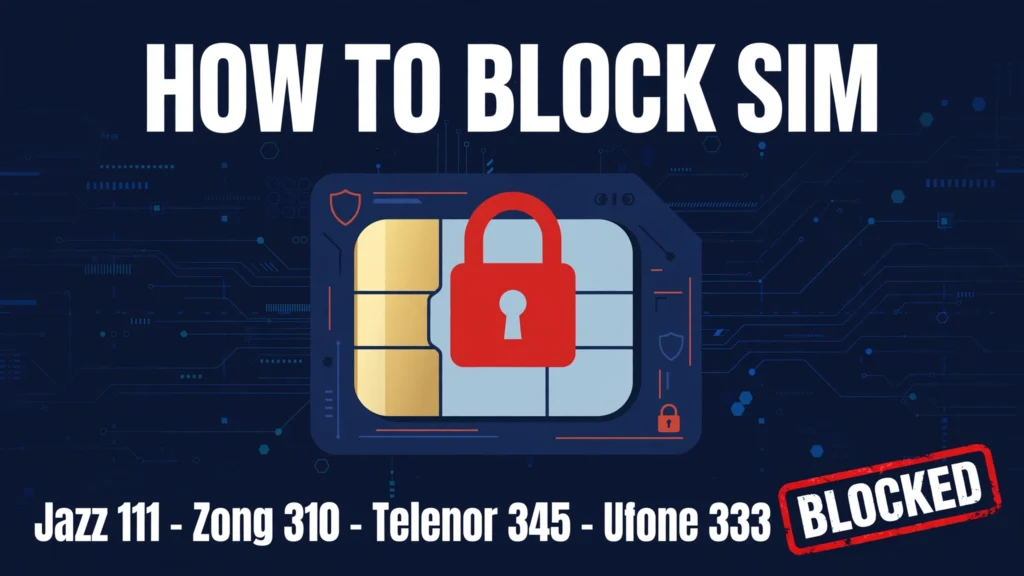
Block now — helpline numbers (30 seconds)
Don’t scroll — call first, read later:
- Jazz → 111 (or 051-111-300-300 from any network)
- Zong → 310
- Telenor → 345 (Telenor merged into Ufone/PTML in July 2026 — use Ufone/PTML helplines going forward)
- Ufone → 333
Keep your CNIC number handy — the helpline verifies your identity before blocking.
Jazz — call 111
From another Jazz number, call 111 and ask for an immediate SIM block. From any other network, call 051-111-300-300. Then visit a Jazz Service Center with your original CNIC for a biometric-verified duplicate SIM.
Related: Jazz SIM check
Zong — call 310
From another Zong number, call 310 and request a block. They’ll confirm your identity against the registration record. For the duplicate SIM, visit a Zong Service Center with your original CNIC and complete biometric verification.
Related: Zong SIM check
Telenor — call 345
Call 345 from any Telenor number and ask them to block the lost SIM immediately. Note: Telenor Pakistan merged into Ufone (PTML) in July 2026 — for any follow-up, use Ufone/PTML service centers and helplines. Then get your duplicate issued at a service center — original CNIC plus biometric verification, as always.
Related: Telenor SIM check
Ufone — call 333
Call 333 from another Ufone number for an immediate block. Duplicate SIM issuance happens at Ufone Service Centers with your original CNIC and biometric verification.
Related: Ufone SIM check
After blocking — getting your number back
Blocking and replacement are two separate steps — the helpline call stops misuse; only a franchise visit restores your number on a new SIM. Bring your original CNIC (not a copy), complete the biometric thumbprint scan, and the duplicate is usually active within minutes to a few hours. There’s typically a small SIM replacement fee charged by the operator.
Blocked vs closed — know the difference
Blocking suspends the SIM temporarily — the number stays yours and can be reactivated on a duplicate SIM. Closing (disconnection) permanently surrenders the number back to the operator’s pool. If you want the number back, ask for a block, not a closure. And after everything, run PTA’s 668 check to confirm your CNIC record is clean.
Related: PTA SIM verification
Frequently asked questions
How do I block my SIM immediately? Call your operator’s helpline right away — Jazz 111, Zong 310, Telenor 345, Ufone 333 — and request a block. Then visit a franchise with your original CNIC for a duplicate SIM.
Can I block my SIM online or via SMS? No — blocking needs a helpline call so the operator can verify your identity. Anyone offering “online SIM blocking” is not affiliated with the operator.
Will I get the same number back? Yes, if you asked for a block (temporary suspension). Visit a franchise with your original CNIC for biometric verification and they’ll issue a duplicate SIM with your same number.
Is there a fee for blocking or replacement? Blocking via helpline is free. Duplicate SIM issuance usually carries a small operator fee — confirm the current charge at the franchise.
SIM block kaise karein? Apne network ki helpline par call karein — Jazz 111, Zong 310, Telenor 345, Ufone 333 — aur SIM block karne ko kahein. Phir original CNIC ke sath franchise ja kar duplicate SIM le lein.
Reviewed by the SimOwnersPK Editorial Team — Telecom & digital-safety content specialists. Last reviewed: October 2026.